
Project · iD Tech · Iterable
Course Recommendation Quiz / Email
A five-question web quiz that reduced Customer Service call durations, increased conversion and lead generation, and pushed every answer into Iterable as a custom event driving the recommendation email and ongoing personalization.
- Iterable
- Custom events
- API integration
- Lead generation
- Lead scoring
- Personalization
The problem
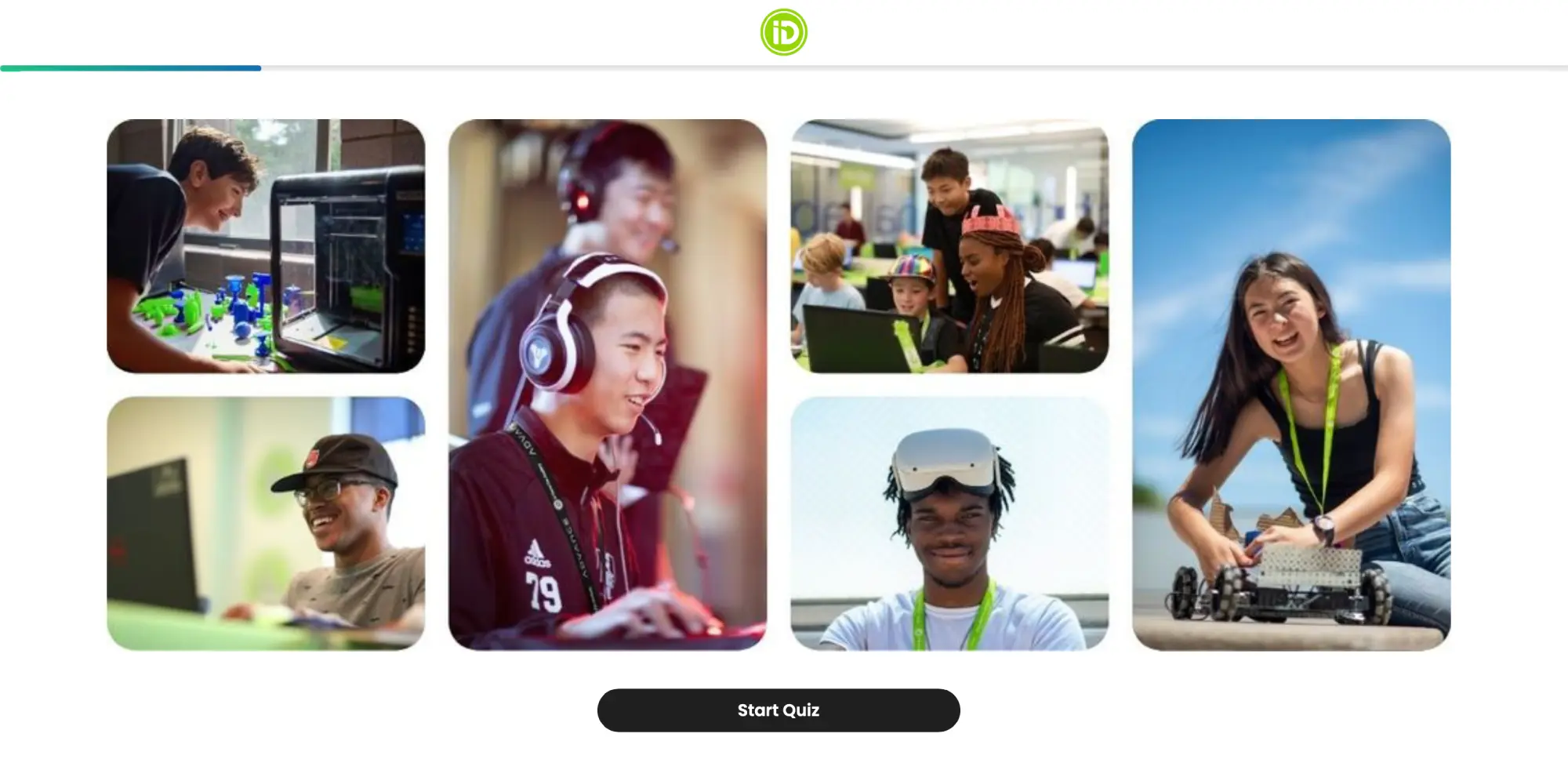
Choosing courses and camp locations was the largest point of friction in the camp registration process. Enrollment often took well over an hour of phone service on the live support lines. Users who couldn't decide left the website without enrolling into our email system through any other methodology, such as requesting a brochure.
We maintained a 100% in-house support team that commuted to our corporate office in Campbell, which is virtually unheard of in the industry, but was really a secret sauce to our large year over year growth. Having a dedicated, professional service rep to walk parents through the course process was a key differentiator in our status as a premium program. Anything that could aid that process was therefore worth its weight in gold.
The overall problems we identified were:
- 01
Course variety and complexity created an environment where parents would give up on the registration process or choose a camp with fewer options.
- 02
Requesting a brochure helped to some degree, but even after a parent consulted the brochure, they still had so many questions.
- 03
Once a parent was on the phone with support, outcomes were very positive, but our unique support team was very costly and their time was therefore highly valuable.
The approach
Working with the Web team, we designed a camp selection tool that guides users through selecting the appropriate courses and locations for their needs. Answers push to Iterable via API as a custom event called "Quiz", creating the lead, the profile data and the recommendation email in a single motion.
Quiz walkthrough
Student name
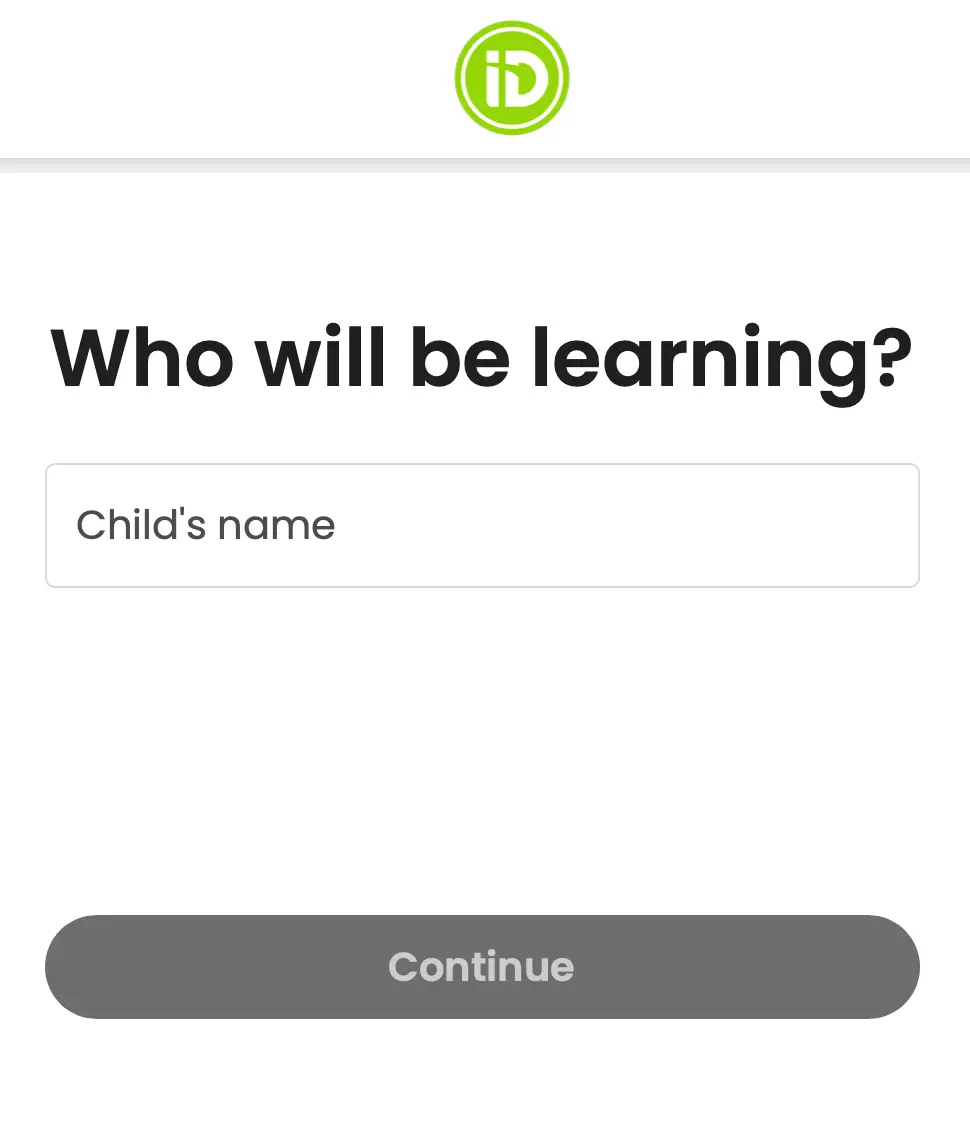
Users enter their child's name, one per quiz. We explored allowing two students per quiz output, but the resulting emails were too long, and most parents aren't enrolling multiple children in a given camp year. Simplicity was favored to maximize completion rates.
Age range
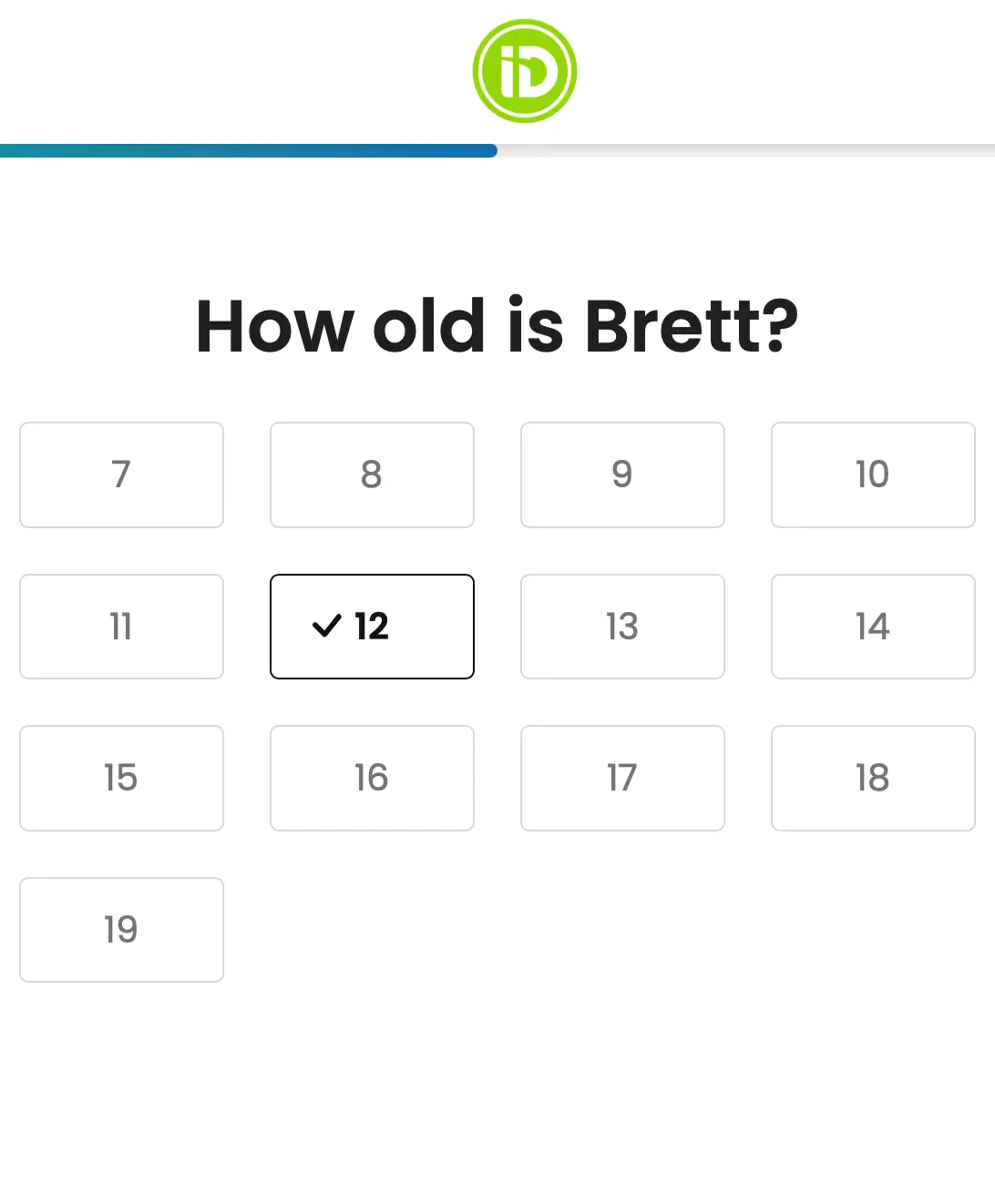
The following screen collects the student's age range. At iD Tech, classes all follow generalized age ranges, so in practice that's how students were grouped, but having the student's exact age is useful data.
Pathways
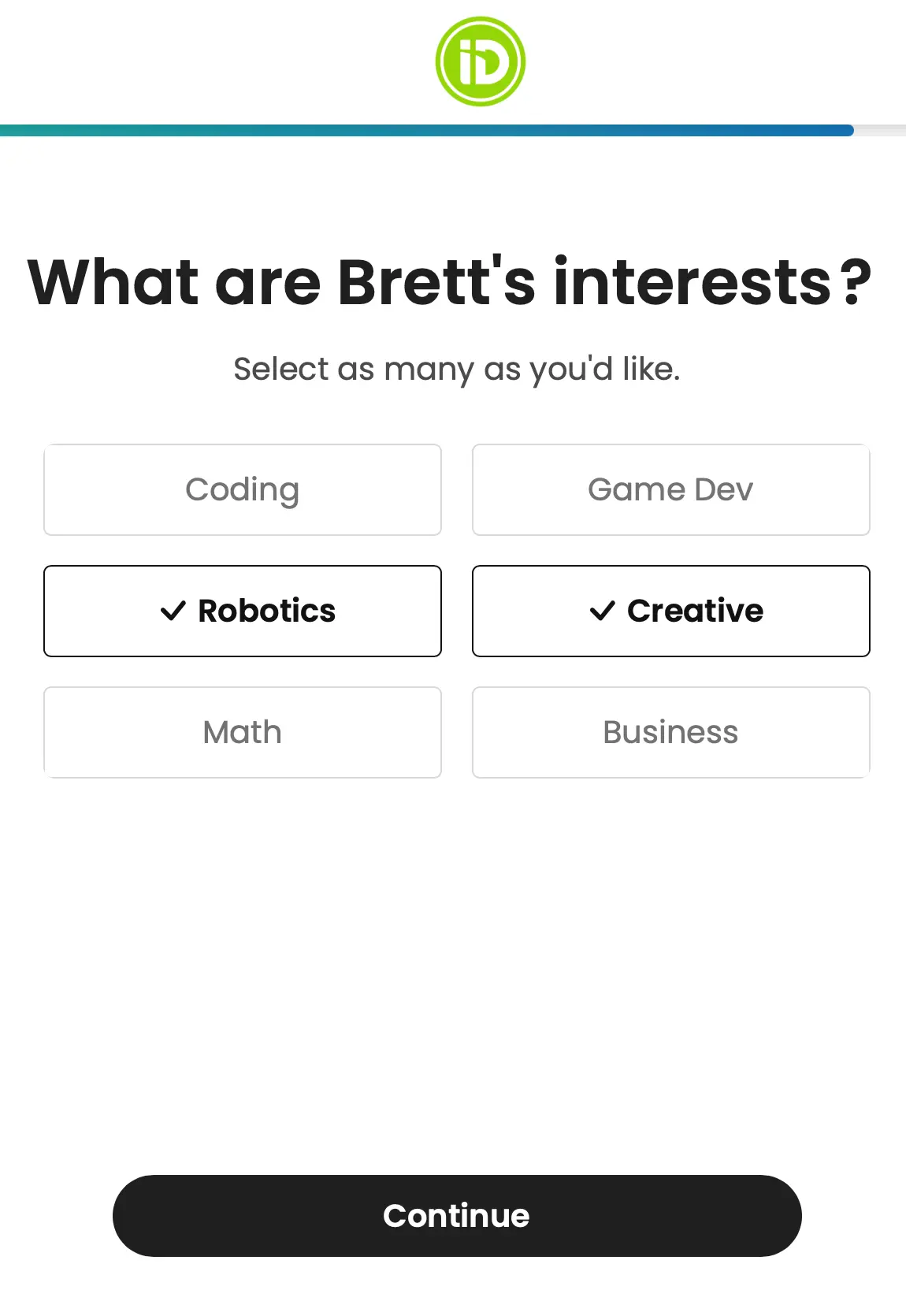
Classes, whether at camp or via online learning, fall under a small number of pathways at iD Tech. By combining the child's age and the desired pathways, we can tabulate a list of courses.
Campus or online
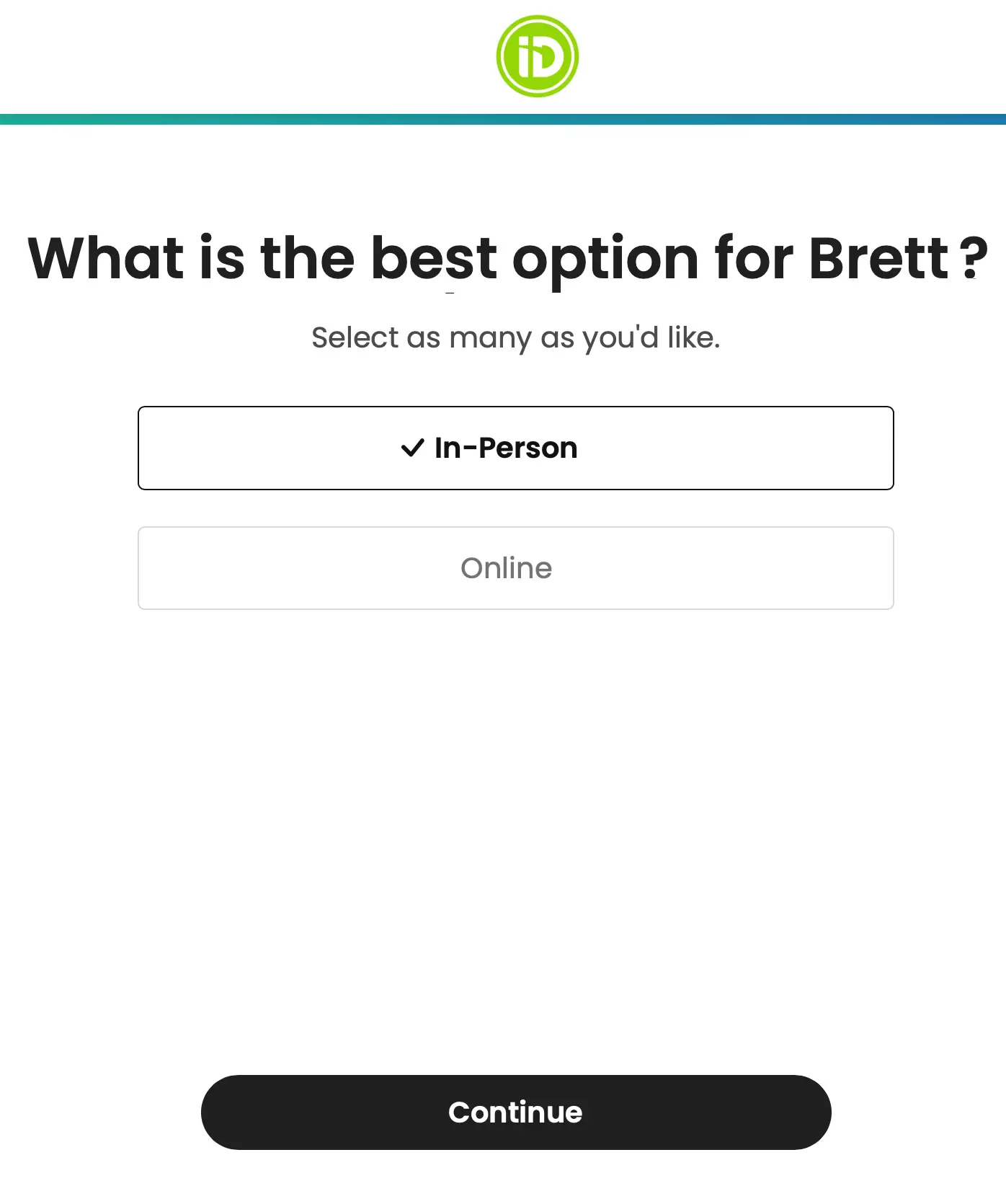
Beyond camp pathway, the most important decision in this quiz is the choice between campus and online learning. If a user selected an interest in campus learning, we prioritized that choice in the results, but included both. Campus is the ideal purchase choice.
Email address comes last
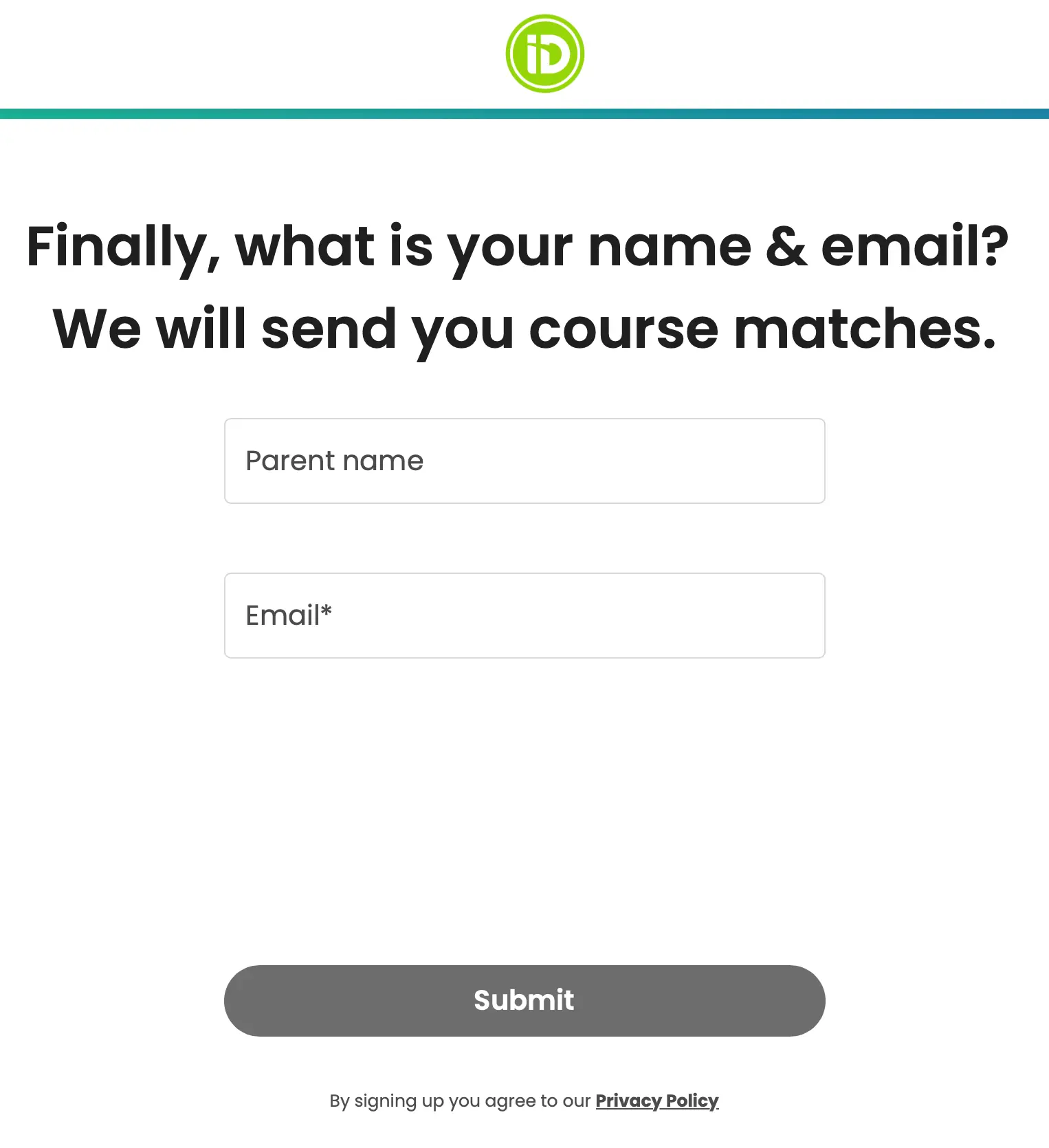
We found that once a user had already entered the rest of the quiz, they were more likely to complete it by giving us their email, so we ended up requesting the email address last. Just one of many reasons why testing is always a good idea.
How the recommendations are built
- 01
Generate one table per location recommendation (campus and/or online), but prioritize campus, since it's the preferred purchase.
- 02
Filter by age range, taking the exact age and applying it to a bracket, so a 10-year-old goes in the 9–12 bracket.
- 03
Determine the source of the six recommendations. Both locations selected shows three results from each; otherwise all six come from the one selected.
Splitting the six slots
- One pathway: six courses, sorted by popularity
- Two pathways: three courses per pathway
- Three pathways, both locations: three campus and three online, one course each, campus always first
With six pathways, we can always include a course from each one. Extra course slots are determined by pathway popularity if an odd number is selected. With five pathways, the top-ranked pathway displays two courses.
Try the pathway logic
Pick a location and tap pathways on or off. The six recommendation slots rebuild with every click.
Numbers show each pathway's popularity rank. When the slots don't divide evenly, the extra courses go to the most popular pathways.
After the quiz
The event includes the text content of the email, the course photos and the linking. Iterable sends the recommendation and keeps the Quiz data packet, which updates or creates the user's profile records. The data retained is incredibly valuable. It lets us personalize messaging through conditional template sections, emails based on course preferences, campus-vs-online targeting, SMS customization and more.
Why it worked
Leads that were otherwise lost
The survey created thousands of new leads who would have left the website without enrolling into our email system through other methodology, such as requesting a brochure.
An ideal customer profile
All of the data created during this process was automatically fed back to our ESP, creating an ideal customer profile from which to establish their email flows.
A simpler decision
Even where a user didn't purchase directly from the recommended courses, they still provided more than enough data for customer service to address their needs much more directly.
The result
Most likely to enroll, ranked
- 1
Purchased a course the previous camp year and established a Quiz event between then and the upcoming camp year (ideally Q1, or even Q4 the previous year). Super dedicated parents.
- 2
Purchased the previous camp year without a Quiz event logged since then.
- 3
Logged a Quiz event in the lead-up to an upcoming camp year.
The pain points we laid out in the Problem section were solved in the following ways:
- New leads were able to narrow down their course choices from six different pathways to, on average, two pathways. This immediately reduces the decision space by 2/3rds for prospective parents, significantly increasing follow-through.
- As a call to action, the course quiz resulted in more than 25% additional leads on a web traffic basis year over year, outpacing the brochure (both the brochure and the quiz were used to generate marketing leads).
- Once parents had a list of recommendations, customer support-led enrollment calls became much easier, leading to improved conversion rates and less average time spent on a given enrollment call.
In the first camp year that the recommendation quiz was used, over 50% of new leads that contacted support to enroll had recommendation information on file. Customer service was roughly 20% more likely to convert a quiz user, and customer support call duration for these users also reduced by 20-30%.
On the email side, the quiz results email had great metrics (particularly clicks) compared to the brochure download email, and we pushed all of the quiz data to Iterable to be used in all kinds of personalization.
